How PinMine-ai.com works
Turn one product photo into a full set of ready-to-post social media content in about a minute. Here's the full walkthrough.
Watch the tutorial
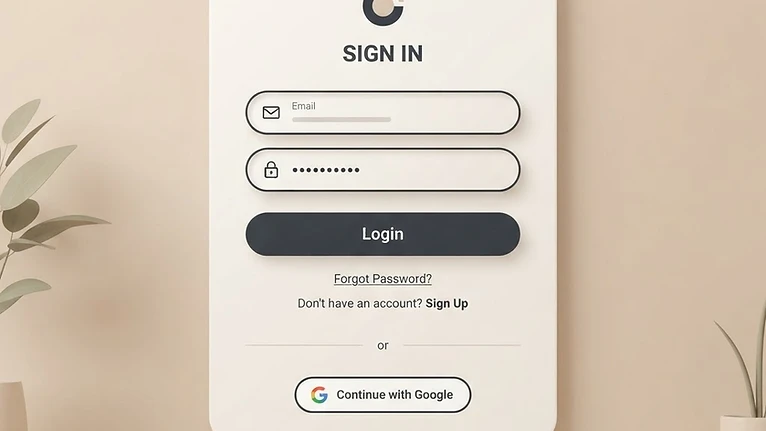
Sign in or create an account
Create your account with an email and password, then choose a paid plan or credit pack.
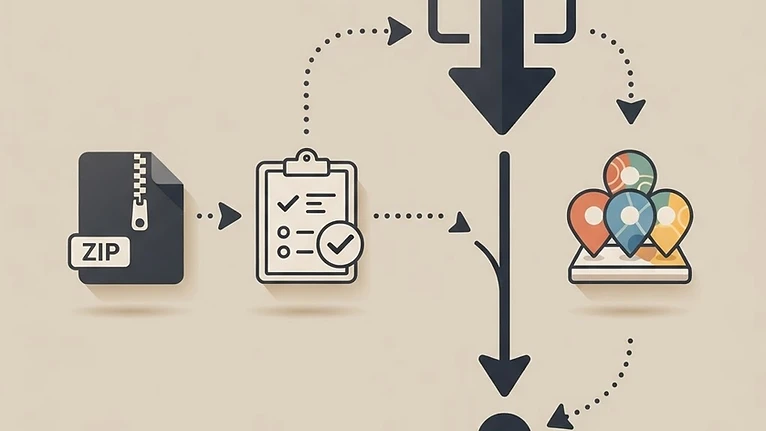
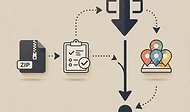
A visual overview of the PinMine-ai.com workflow.
Follow these 7 steps
Everything you need to create and publish your first set of posts.
Sign in or create an account
Click Sign in from the home page. Create an account with an email and password, then choose a paid plan or credit pack.

Choose a plan or a credit pack
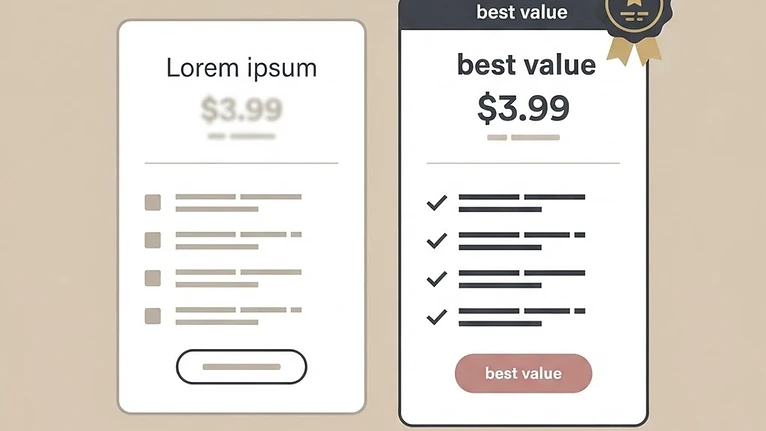
Subscribe for unlimited creation (monthly or yearly), or buy a one-time credit pack if you only need a few generations. App owners have administrative access.
Open the Create page
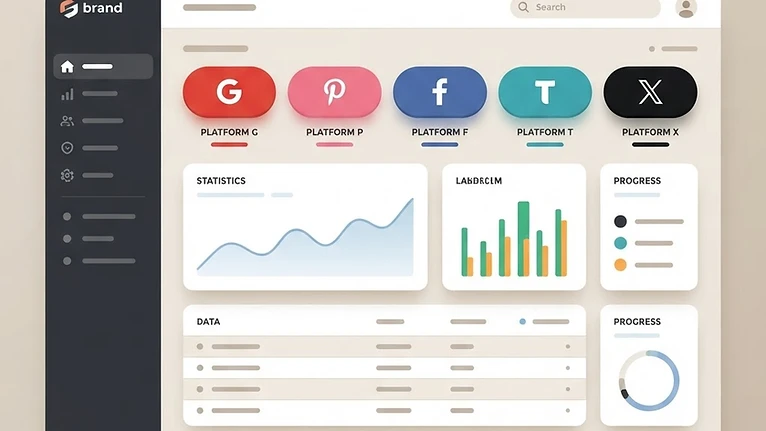
From the dashboard, click Create. Pick the platform you want to post on — Pinterest, Instagram, Facebook, TikTok or X.
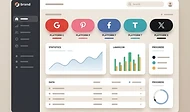
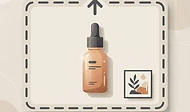
Upload a product photo
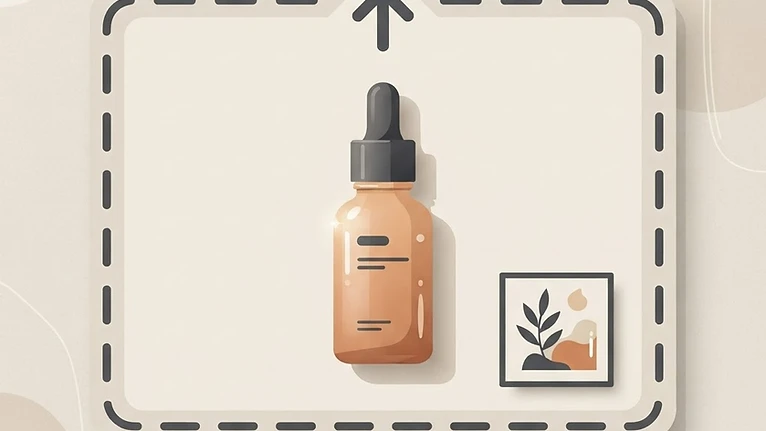
Drag in or select a clean product image (PNG or JPG). Or switch to Describe mode and type a short description of your product and the look you want.
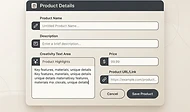
Add your details
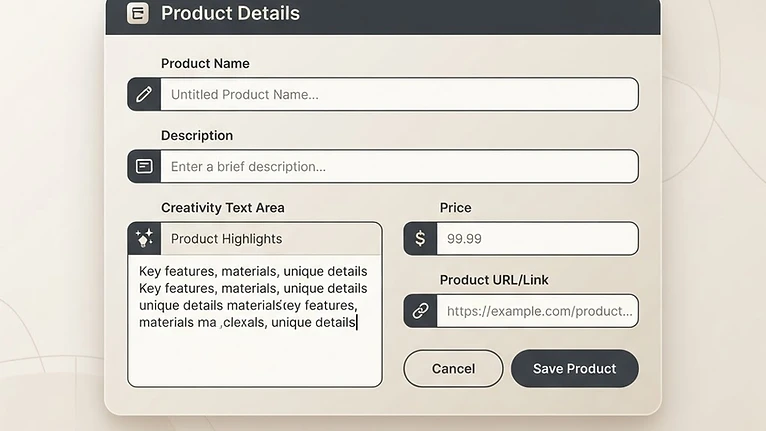
Enter an optional product name and price, paste your affiliate link, and write creativity instructions like the mood, season and target audience. Pick a mood/season preset.
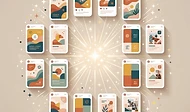
Generate your content
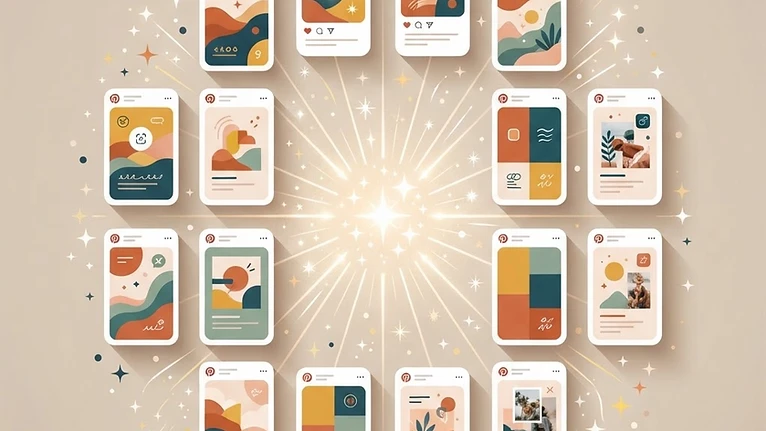
Click Generate. The AI creates your posts and images — this usually takes about a minute. Watch the progress bar as your images are designed.

Copy and download
Use the copy buttons to grab any title, caption or hashtag. Download individual images, or click Download all (zip) to get every image plus a captions text file.

Ready to try it?
Choose a paid plan or credit pack to generate your first 10 pins.